Disclosure: This post contains affiliate links. If you buy through them, I earn a small commission at no extra cost to you. — Jason
Every January, thousands of people decide this is the year they finally start that podcast. Most of them never publish episode one. Not because the idea is bad, but because they get stuck picking gear, choosing a name, or waiting for the “right time.”
Here is the plan that actually works. Gear first, then publish fast, then improve as you go.
Step 1: Pick One Microphone and Buy It Today
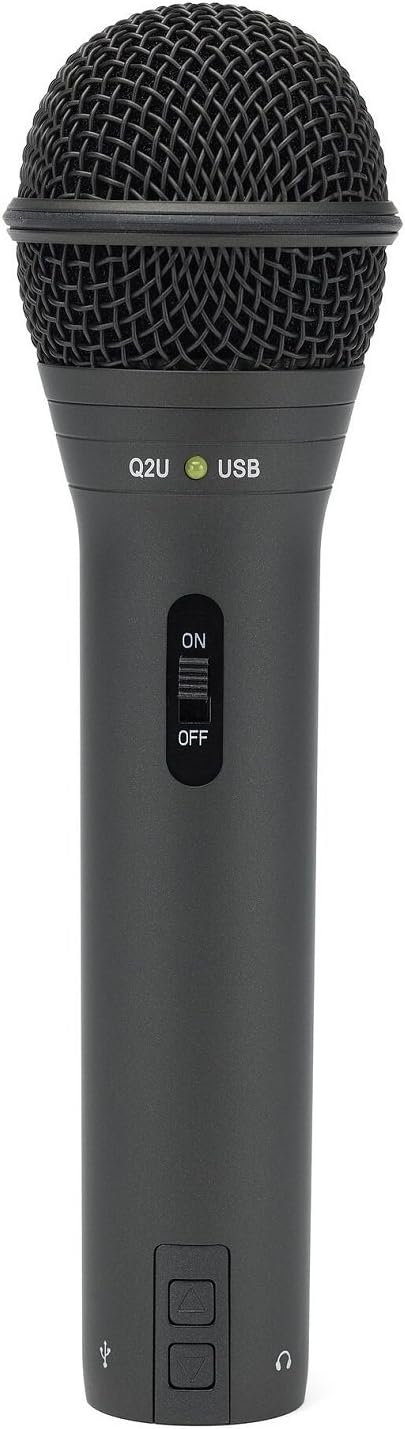
Analysis paralysis kills more podcasts than bad audio ever will. So here is my recommendation: buy the Audio-Technica ATR2100x-USB and stop researching. It is $79, it plugs directly into your laptop via USB, and it sounds professional out of the box.
If you want to spend a little more and have more upgrade flexibility, the Shure SM7B with a Focusrite Scarlett Solo interface is the classic setup used by professional podcasters. But the ATR2100x will get you recording today without the learning curve of setting up an XLR interface.
Step 2: Choose Your Recording Software (Free)
Do not pay for recording software when you are starting out. Audacity is free, cross-platform, and handles everything you need: recording, noise reduction, cutting, leveling, and exporting to MP3. If you are on a Mac, GarageBand is already installed and is honestly excellent for podcast editing.
Once you are publishing consistently and your show is generating some revenue, then you can look at Hindenburg, Adobe Audition, or Descript. But for episode one through fifty, free tools are completely fine.
Step 3: Plan Your First Three Episodes Before You Record Any
This is the most important thing I can tell you. Outline episodes one, two, and three before you record episode one. Why? Because most people who publish a single episode never publish a second. Having three episodes planned forces you to think like a show, not a one-off experiment.
Each episode outline can be simple: a hook sentence, three to five main points, and a closing call to action. That is it. You are not writing a script — you are giving yourself a map so you do not ramble for 45 minutes and end up with nothing usable.
Step 4: Record a Pilot Episode and Listen Back Critically
Record a full episode and listen to it on headphones before you publish anything. You will immediately hear your habits: uptalk, filler words, inconsistent pacing, gain that is too low. Fix those issues before episode one goes live and your first impression will be significantly stronger.
Add a pair of Sony MDR-7506 headphones to your setup for this. They reveal audio problems that laptop speakers hide — subtle room echo, low-end hum, mic positioning issues. You want to catch these before your audience does.
View Sony MDR-7506 on Amazon →
Step 5: Host and Distribute for Free
Spotify for Podcasters (formerly Anchor) is the easiest free podcast host to start with. Upload your episode, fill in the show description, and it automatically distributes to Apple Podcasts, Spotify, Amazon Music, and iHeart. Your show can be live everywhere within 24 to 48 hours.
When you start generating downloads and want more analytics control, look at Buzzsprout or Captivate. Both have excellent dashboards that show you exactly where your listeners are coming from and which episodes are performing best.
The Only Resolution That Matters
Every podcaster I know who is still publishing years later shares one trait: they shipped episode one fast and improved from there. They did not wait for perfect gear, a perfect name, or a perfect launch plan. They recorded something real, published it, and got better every week.
BOOM. New year, new podcast. Stop planning and start recording.
— Jason
Comments are closed